 SpecFit
Virtual try-on not working? Here is how to fix it
A virtual try-on tool can break for small reasons. This list fixes most of them fast.
Check camera access first
Most broken try-ons can't see your camera. Check two places.
- Browser bar: Tap the camera icon. Set the site to Allow.
- Safari settings: Go to Settings, Safari, Camera. Make sure it is not set to Deny.
- iOS Settings: Go to Settings, Privacy, Camera. Turn the app's toggle on.
- New install: Delete and reinstall the app so it asks again.
- After an update: Re-check permissions once after any iOS update.
Work through these fixes in order
Try each step below. Stop once the camera loads.
- Switch browsers. Try Chrome if Safari fails, or the other way round.
- Leave in-app browsers. Open the link in Safari or Chrome instead.
- Close other camera apps. Swipe them away in your app switcher.
- Update iOS. Go to Settings, General, Software Update.
- Update the app. Check the App Store for a pending update.
- Switch networks. Try Wi-Fi instead of mobile data, or the other way round.
- Clear your cache. Or open the page in a private window.
- Pause ad or privacy blockers. Then reload the page.
- Restart your phone. This clears small, stuck glitches.
- Try a different device. A tablet or another phone, if you have one.
Not every iPhone can do everything
Some tools need Face ID's 3D camera. Older iPhones with a Home button can't run them.
A photo-based try-on still works on any iPhone.
Check your light, hair and phone angle
A clear picture needs four small things.
- Light: Face a window, not a bright light behind you.
- Your glasses: Take off any glasses you are wearing now.
- Hair: Push it back off your forehead and brow line.
- Phone: Hold it at eye level, facing you straight on.
- Background: Stand against a plain wall if you can.
If one store's tool stays broken
Big stores each build their own try-on tool. The checks above fix most of them.
If one store stays down, try a tool that works from any link.
Signs it's the site, not your phone
- No camera prompt at all: The page's script likely failed to load.
- A spinner that never stops: The server is probably stuck or down.
- A vague error message: Often a site bug, not your settings.
- Works on one frame, not another: That frame's own image is the problem.
- Works on Wi-Fi, not data: A network or firewall issue, not your phone.
Skip the camera with a fallback tool
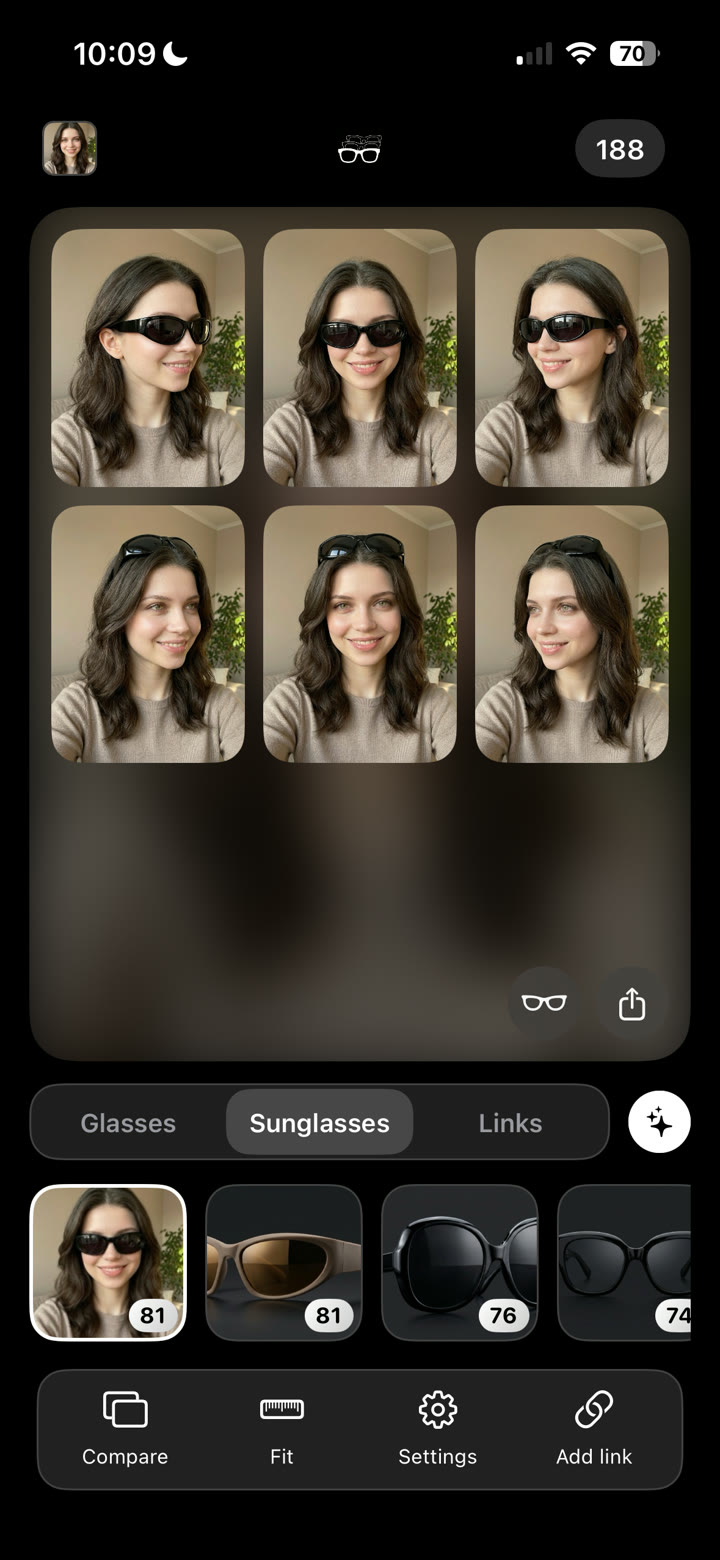
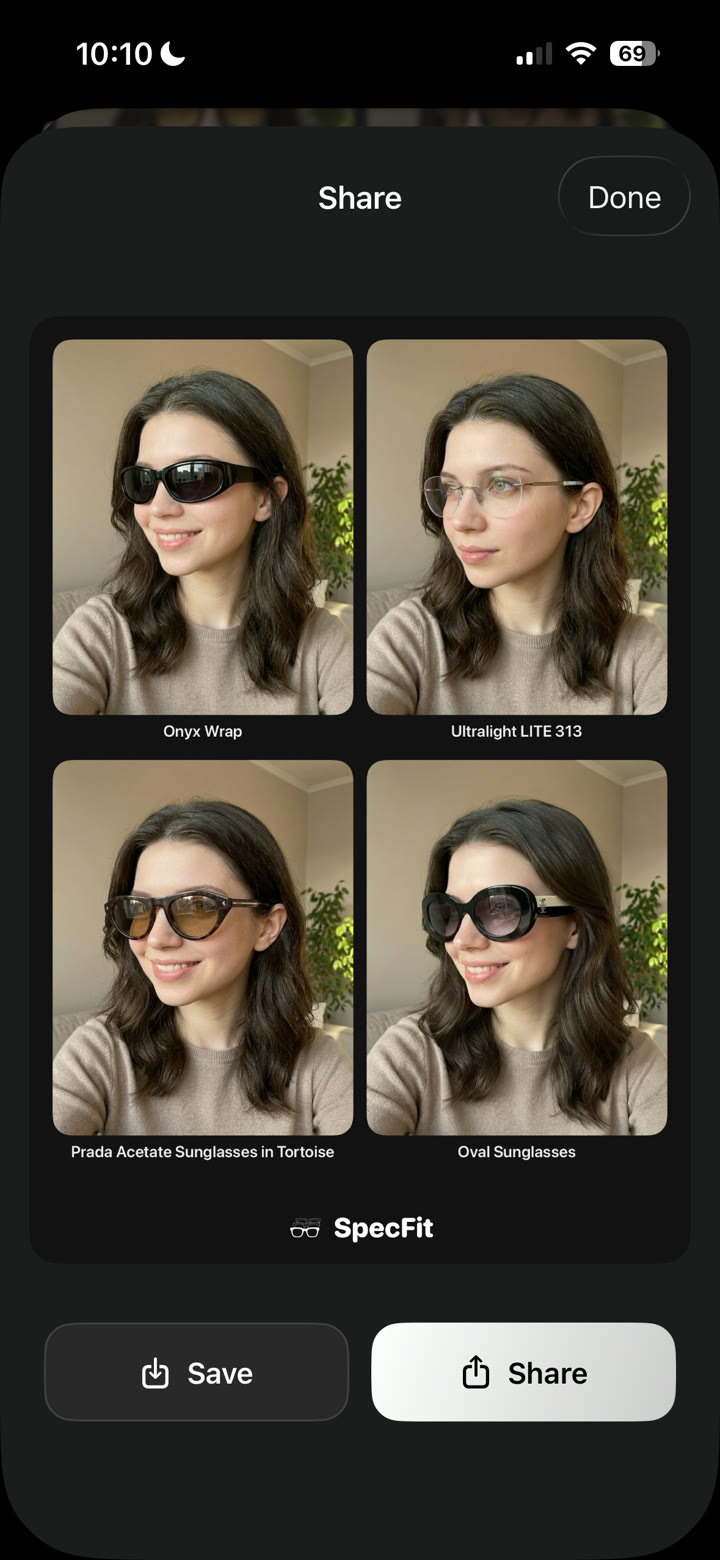
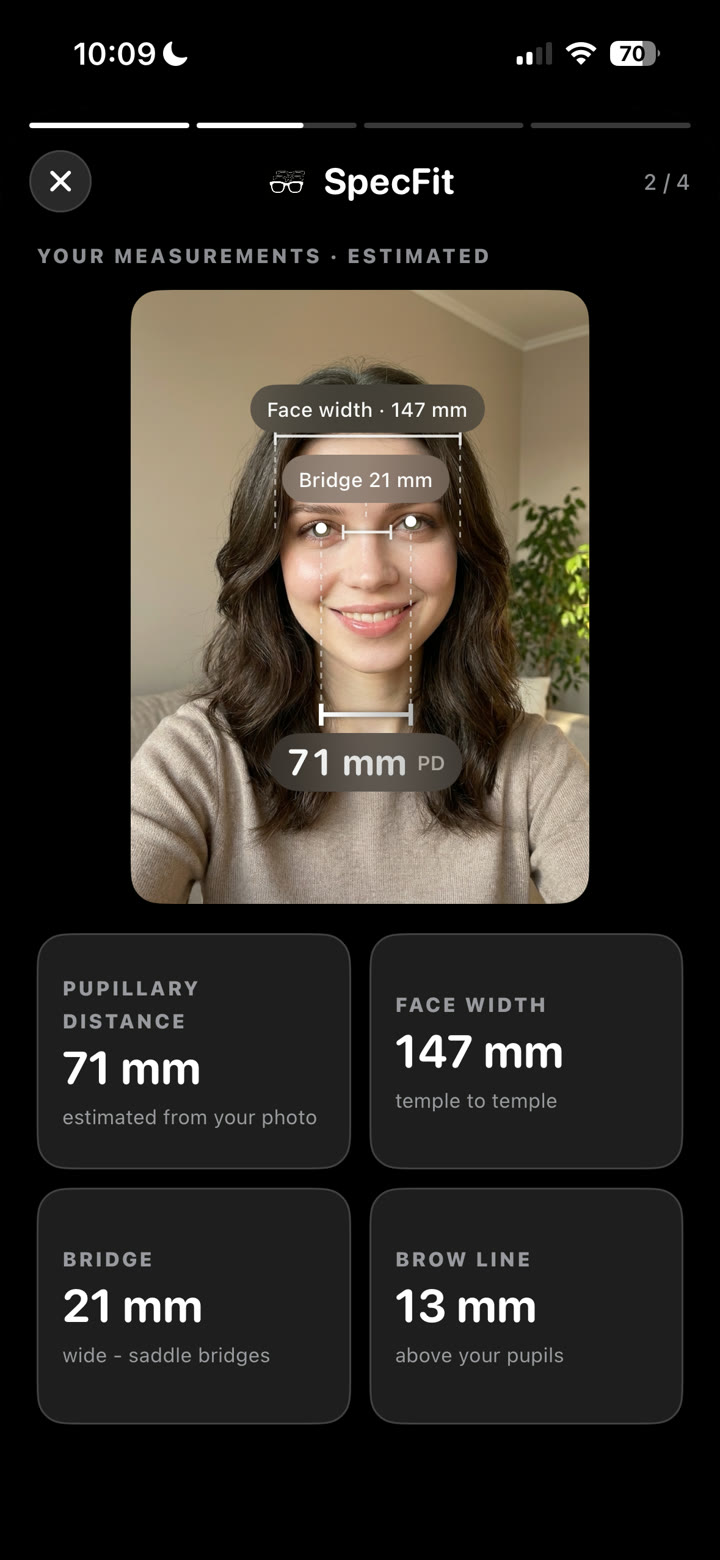
SpecFit skips the broken camera step entirely. Paste a product link, a photo, or a TikTok video.
It scans your face once, then renders the frame on your own photo.


Read more on how to try on glasses with a photo.
Or check are virtual try-ons accurate?
Skip the broken tool. Paste a store link or snap a photo of a pair. SpecFit shows that frame on your face.

Questions
Why is my virtual try-on not working?
Most causes are simple. Camera access may be off, or the app may be old. Check those first.
Why does virtual try-on say it can't access my camera?
Camera access is off in your browser or phone settings. Another app may be using the camera already. Check Settings and the browser's address bar.
Does virtual try-on work on every iPhone?
No. Live 3D scans need Face ID's camera. Older iPhones without it can still use a photo-based try-on.
What can I do if a store's try-on tool stays broken?
Try the fixes in this post first. If it still won't load, use a tool that works from a link instead. You can try that exact frame on your own photo.