 SpecFit
Virtual glasses try-on: how it actually works
Virtual try-on shows you glasses before you buy. There are four main ways to do it.
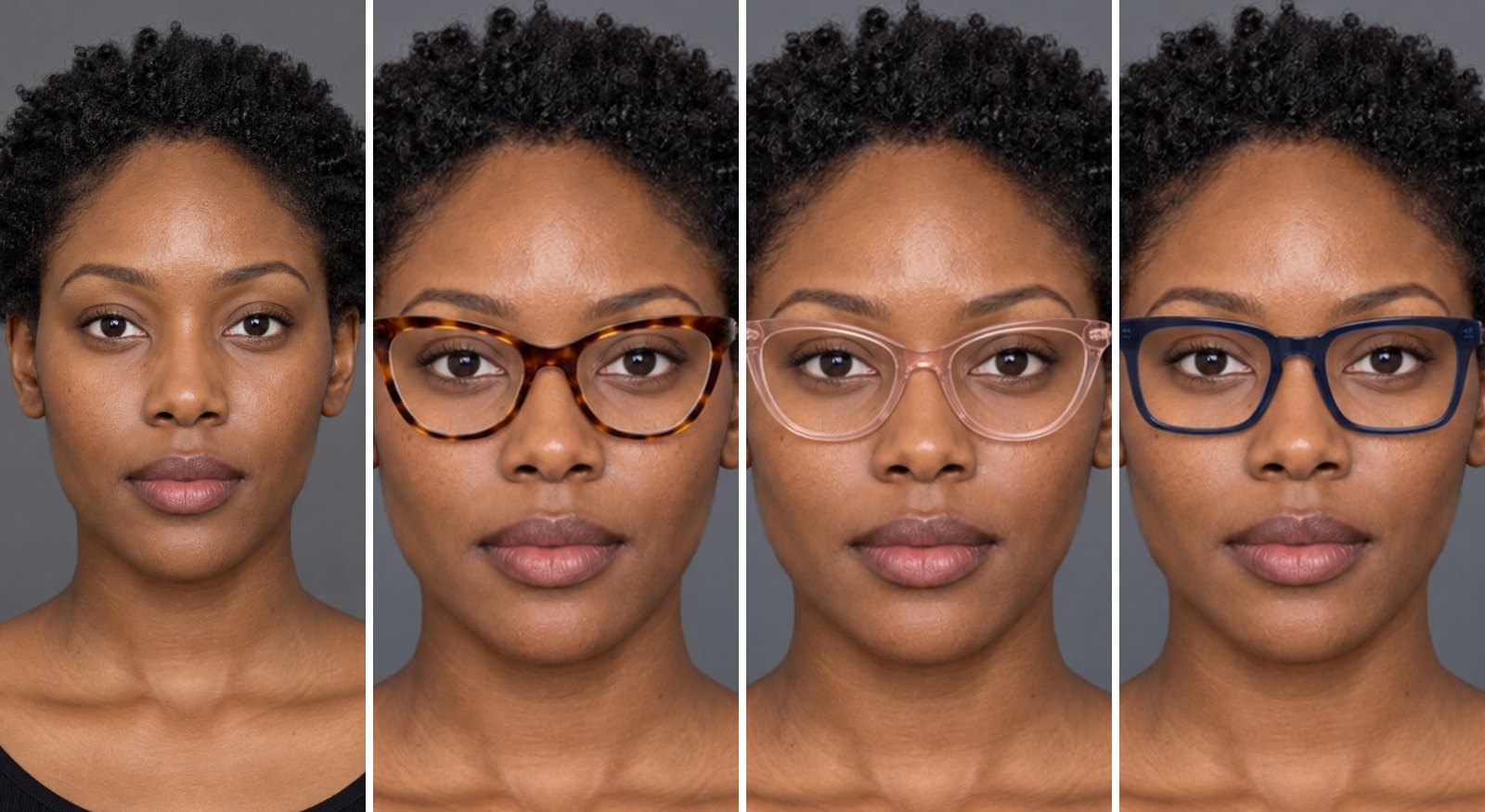
What is virtual glasses try-on?
Virtual glasses try-on puts a frame on your face on screen. You never leave your home.
There are four main types. They do not all give the same result.
| Method | How it works | Best for |
|---|---|---|
| 2D sticker | Flat frame image tracks your eyes | A fast first look |
| Live camera | Same overlay, updates as you move | Seeing movement |
| 3D face scan | Phone maps your real face shape | True measurements |
| AI photo render | Builds a new photo of you in the frame | A real, trustworthy look |
How each method works
- 2D sticker overlay. A flat frame picture sits over your face. It tracks a few points near your eyes.
- Live camera AR. The same idea, but it updates every frame as you move your head.
- 3D face scan. Your phone's camera maps your face in a short sweep. It builds a real 3D model.
- AI photo render. One photo or scan makes a new, photoreal image of you wearing the frame.
What each method gets right
- 2D sticker: fast and needs no app.
- Live camera: shows the frame as you turn your head.
- 3D scan: captures your real face width, bridge, and brow line.
- AI render: shows real light and shadow on your own skin. It looks like an actual photo.


What each method gets wrong
- 2D sticker: flat, with no depth. It does not know your real face width.
- Live camera: light shifts with your room. Only works with frames the retailer sells.
- 3D scan: needs a Face ID iPhone and a short scan.
- AI render: needs a clear photo to start. A bad photo gives a weak render.
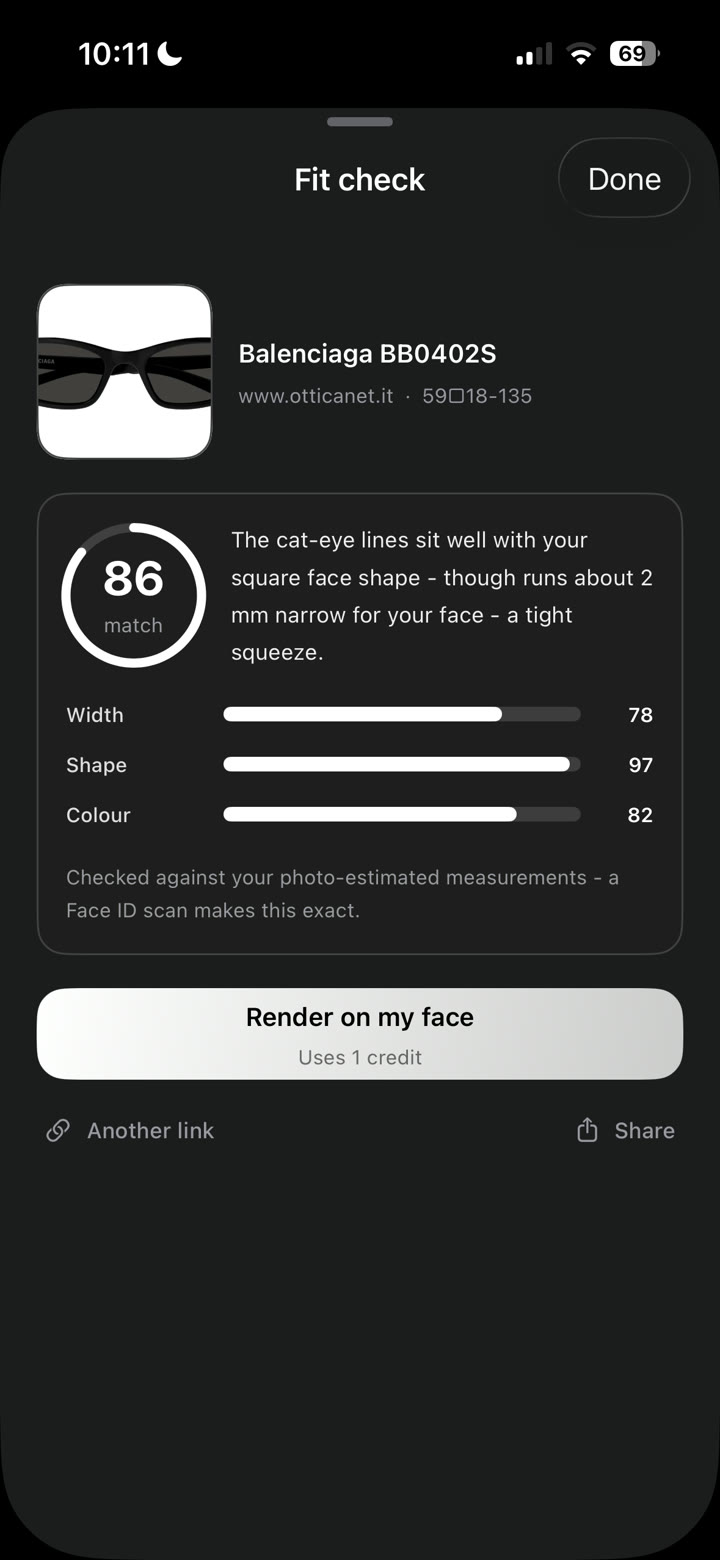
Size mismatch is the top complaint about try-on tools. Read are virtual try-ons accurate? for more.
Tips for a live camera try-on
- Light: face a window or lamp.
- Phone height: hold it level with your eyes.
- Hold still: keep your head steady for each frame.
- Use it to shortlist: pick two or three frames. Check them with a photo render next.
Virtual try-on and your face shape
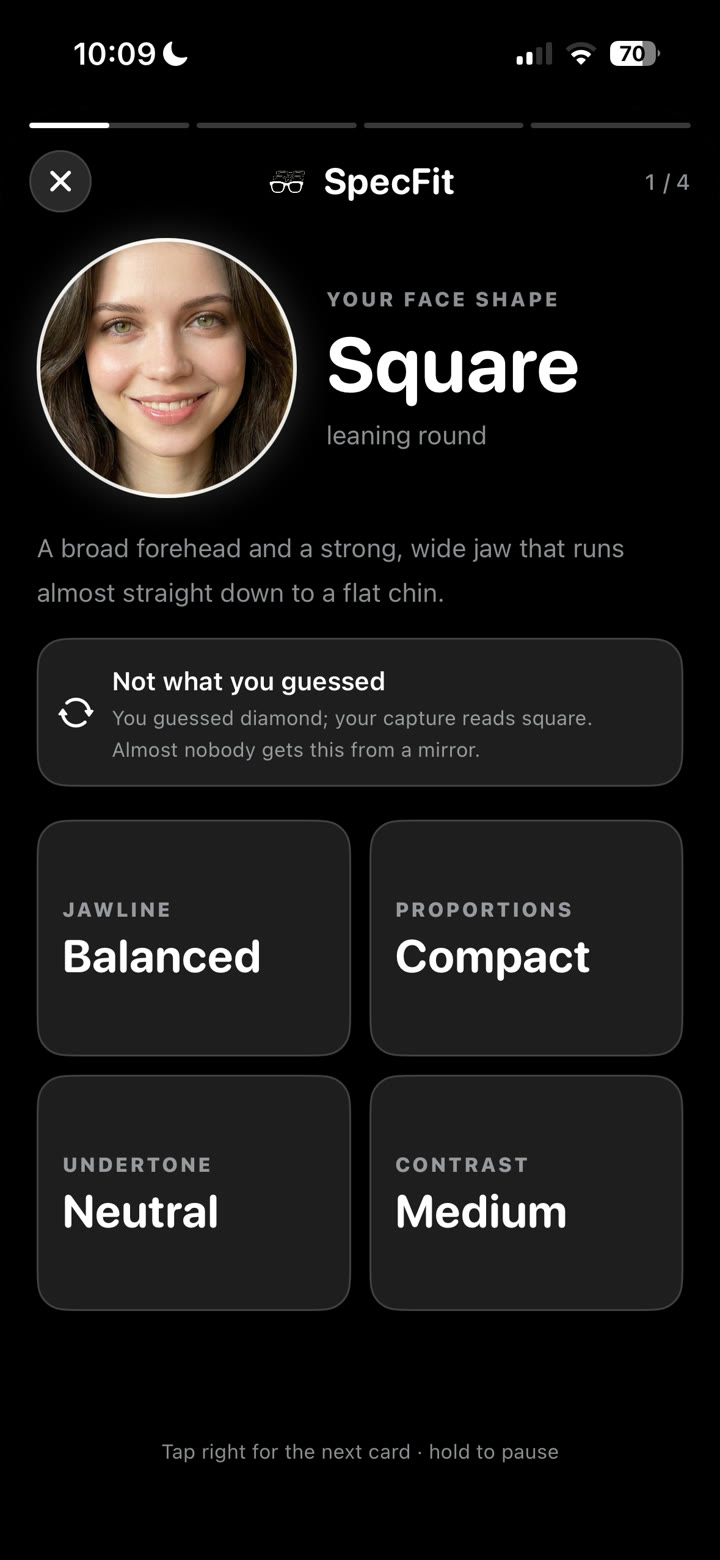
A good try-on tool should also tell you your face shape. SpecFit reads your shape from the same scan or photo.
- Round face guide
- Oval face guide
- Square face guide
- Long face guide
- Heart-shaped face guide
- Diamond face guide
What about prescriptions?
A virtual try-on shows you the frame shape, not your lens strength. No render can show the world through your lens.
- Progressives: check minimum lens height before you buy.
- Frame choice: see best frames for progressive lenses.
- Single vision: no extra check needed.
How to get an accurate result
Any method is only as good as the photo you give it.
- Light: use even light, not harsh side light.
- Angle: face the camera straight on.
- Eye level: hold the phone level with your eyes.
- Hair: push hair off your brow line.
- No glasses: take your own glasses off first.
- Neutral face: skip the big smile.
Full checklist in try on glasses with a photo.
After the render, check the frame's width against your own. See how wide should glasses be? and glasses size chart.
Try any frame on your own face. Scan your face once. Then try frames from our wall, a store link, a photo or a TikTok video.

Questions
How does virtual try-on glasses work?
Most tools track your eyes and place a flat frame on your face. Better tools build a real 3D model from a scan or photo. That kind looks more like a real photo.
How do I virtually try on glasses?
Open a try-on tool and use your camera or upload a photo. A live camera gives a quick preview. A photo render, like SpecFit's, gives a still, lifelike image.
Can I try on glasses virtually?
Yes. Most retailers offer a live camera overlay. Standalone apps build a render from your photo or scan, and look more lifelike.
Can virtual try-on glasses work with a prescription?
Yes, for the frame's look. It shows you the shape and size on your face. It cannot show your prescription in the lens, since that needs your real correction.