 SpecFit
Virtual sunglasses try-on: what actually works
A good virtual sunglasses try-on checks shape and size. Most tools only check shape.
Can you try on sunglasses online?
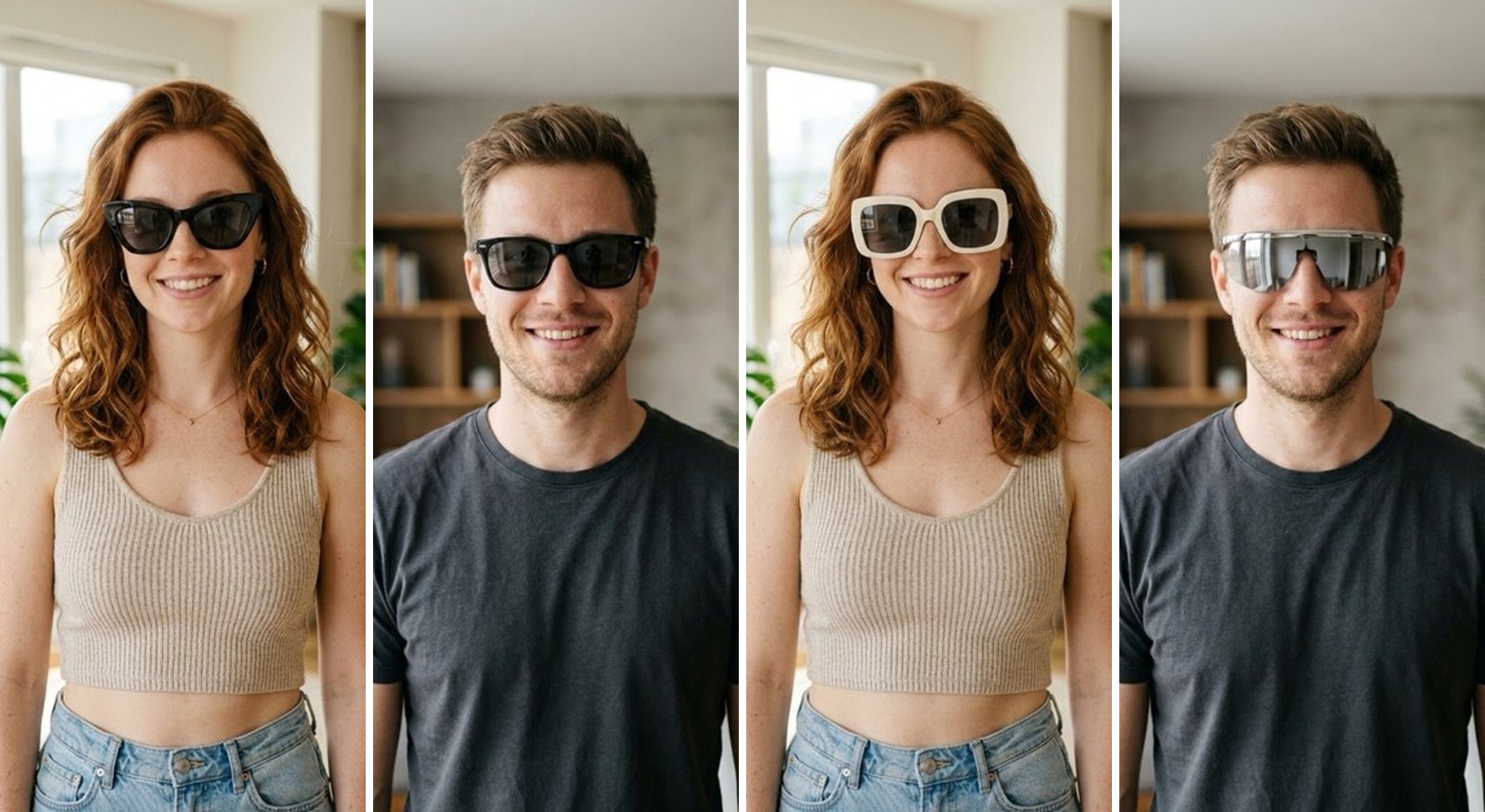
Yes. Most stores use a webcam try-on.
- How it works: your camera opens and tracks your face.
- What it shows: a flat frame shape over the video.
- What it skips: your real face size.
- Why stores use it: it is quick and needs no app.
The tool is not measuring your face. It guesses a size that looks fine on screen.
Why do sunglasses try-ons look fake?
Clear glasses try-ons get a boost. Your eyes stay visible, so the overlay can lock on.
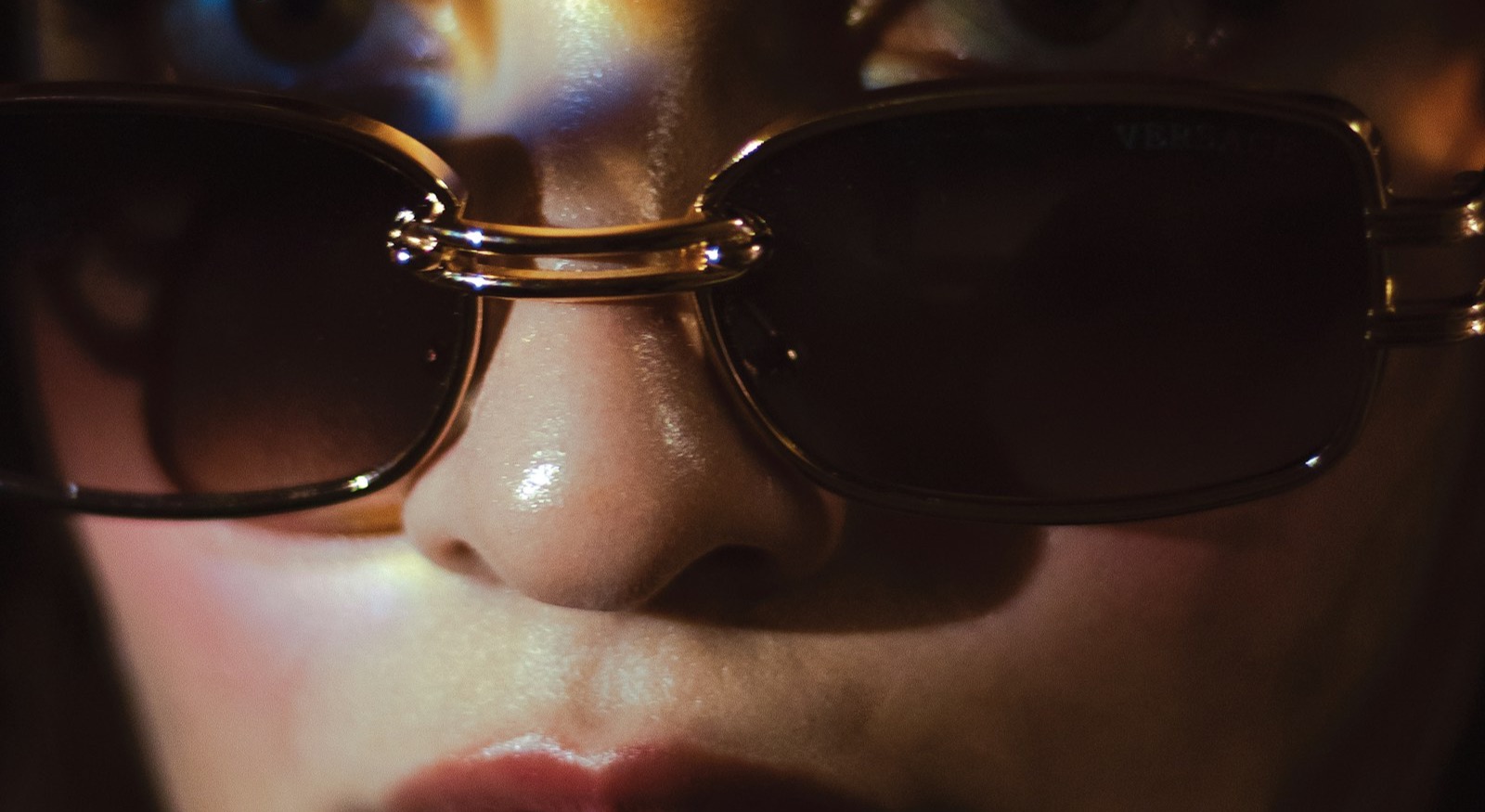
Dark lenses remove that anchor.
- Drift: the frame can slide off place as you move.
- Flat shading: a real lens curves and catches light unevenly.
- No shadow: a flat tint looks like a sticker, not real sunglasses.
- Fix: SpecFit works from a photo, not live video.
SpecFit can place light and shadow the way they fall in your own photo.


The fit rule that flips for sunglasses
Clear glasses sit a little below the brow. Sunglasses do not.
- Top bar: it should cover your brow line.
- Why: a gap above the frame lets sun in from above.
- What to check: does the top sit at or above your eyebrows?
- What most tools skip: this exact check.
We cover this in full in should sunglasses cover your eyebrows? and how should sunglasses fit?
Wraparound and oversized fits
Two shapes trip up most webcam try-ons.
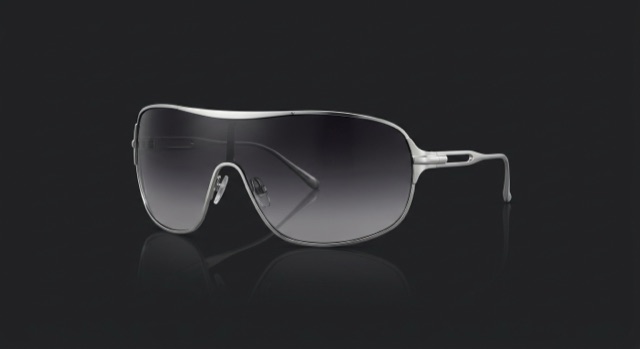
- Wraparound: curves around the temple. A flat overlay cannot show the curve.
- Shield: same problem, one wide lens.
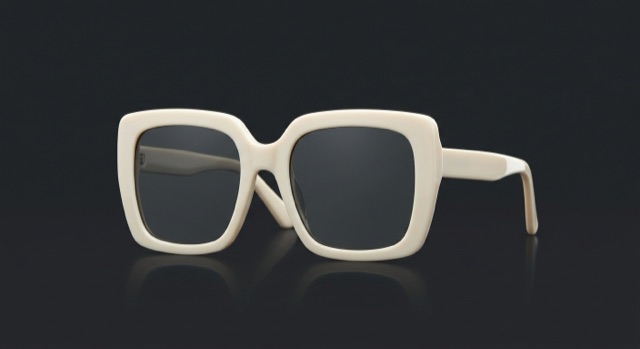
- Oversized: meant to sit wide. A webcam often makes it look too big.
- Fix: check the real lens width and temple length, not the screen size.
See how wide should glasses be? and our glasses size chart.
Prescription sunglasses online
A shape preview cannot check your prescription.
- Lens height: it will not show if a frame fits a progressive lens.
- Lens curve: a strong wraparound curve can distort a strong prescription.
- SpecFit: can show your actual prescription in the rendered lens.
See minimum lens height for progressive lenses and best frames for a strong prescription.
Pick a shape by face shape
A good frame adds the lines your face has least of.
- Aviators: suit square, diamond, and heart faces. See aviators for a square face and aviator vs navigator.
- Cat-eye: suits round and oval faces. See best glasses for a round face and best glasses for an oval face.
- Round: suits square and long faces. See best glasses for a square face and best glasses for a long face.
- Wide faces: check width first on aviators and oversized shapes. See glasses for big heads and wide faces.
Try sunglasses on your own face
SpecFit renders sunglasses on a real photo, not a webcam feed.
- Scan once: a guided face scan or one selfie.
- Pick any pair: wall styles, a store link, a photo, or TikTok.
- Check fit: the same scan checks width against your measured face.
See a real render on your own face, brow line and all. SpecFit measures your face and checks a frame's fit before you buy.

Questions
Can I try on sunglasses online?
Yes, most stores use a webcam overlay. It lays a frame shape on your face. Some apps render the real frame on your photo, with real light.
How do I try on sunglasses virtually and get an accurate read?
First check the frame width against your face width. Most overlays do not resize for you. Then check the top bar against your brow line, which should cover your brow.
Why do virtual try-on sunglasses look flat or fake?
Dark lenses hide your eyes, which removes the tracker's anchor. The overlay can drift. Flat shading rarely matches real light.
Can you try on prescription sunglasses virtually?
Some tools show a frame shape on a prescription listing. The overlay itself does not change for your prescription. What matters more is lens height, which a shape preview will not show you.